

The Unique Demands of Commercial Building CAD Design
Commercial building design represents one of the most technically demanding areas of architectural practice. Unlike residential projects, commercial buildings must simultaneously address complex functional requirements, stringent building codes, multi-disciplinary coordination, and the expectations of sophisticated clients and end-users. CAD drawing standards and workflows in the commercial sector are correspondingly more rigorous — and mastering them is essential for any architect or design professional working in this space.
This guide covers the key best practices for commercial building CAD design, applicable to office buildings, retail centers, mixed-use developments, and other commercial project types. For comprehensive commercial CAD drawing resources, visit CADDownloadWeb.com and AutoCADDesignPro.com.
1. Establish a Comprehensive Drawing Sheet Register
Large commercial projects generate hundreds of drawing sheets across multiple disciplines. Establishing a clear drawing sheet register at the beginning of the project is non-negotiable. A well-structured sheet register includes unique drawing numbers, drawing titles, scales, revision history, and responsible discipline names. Using consistent drawing numbering from the outset prevents confusion during construction and simplifies permit applications to building authorities.
2. Implement BIM-Compatible CAD Drawing Standards
The commercial architecture sector is increasingly moving toward Building Information Modeling (BIM) workflows. Even if your project does not use a full BIM platform, adopting BIM-compatible CAD standards will future-proof your drawing set. Key steps include adopting a consistent coordinate system, using structured layer naming consistent with IFC standards, and coordinating grid systems between architectural and structural drawings. For AI-enhanced design coordination tools, explore AI-Architect.com.
3. Develop a Detailed Space Planning Matrix
Commercial buildings are driven by accommodation schedules — specific areas must be provided for specific uses. Before developing your CAD drawings, prepare a space planning matrix documenting net usable area per space, gross floor area by level, circulation efficiency ratios, and compliance with accessibility requirements. This matrix becomes the benchmark against which every floor plan iteration is measured. For commercial space planning CAD blocks, visit AllCADBlocks.com.
4. Coordinate Structural Grids and Building Cores
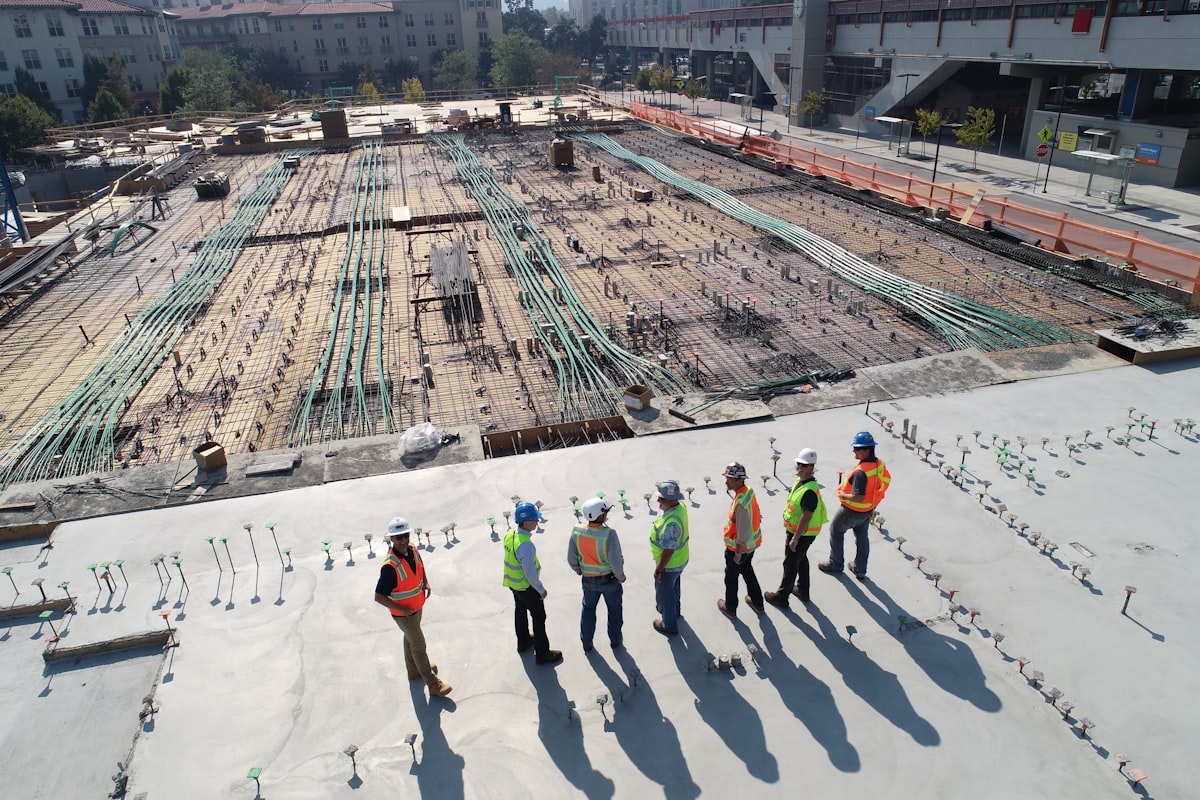
The structural grid defines the building’s skeleton and is the primary organizing framework for all commercial building CAD drawings. Establishing a clear, rational structural grid early is critical because it defines tenancy bay sizes, determines floor-to-floor heights, must align with parking module dimensions, and provides the reference system for all consultant drawings. A well-coordinated structural grid maximizes commercial floor plate efficiency while minimizing construction complexity.
5. Produce Fully Coordinated Reflected Ceiling Plans
Reflected ceiling plans (RCPs) are among the most complex drawing types in commercial design because they must show the integrated placement of lighting, HVAC diffusers, sprinkler heads, exit signs, smoke detectors, AV speakers, and ceiling grid systems. Careful coordination of the RCP using AutoCAD layers and XREFs from all MEP consultants is essential to avoid clashes during construction. Download professional RCP CAD blocks at FreeDownloadCAD.com.
6. Prepare Comprehensive Facade Documentation
Commercial building facades are highly complex assemblies involving curtain wall systems, sun shading, cladding panels, and glazing specifications. CAD documentation for commercial facades typically includes elevation drawings at 1:50 scale, typical bay details at 1:5 scale, and comprehensive junction details at corners, sills, heads, and jambs. Movement joint details and material schedules are also required. For facade detail CAD blocks, explore HomeDecoStore.net.
7. Produce Detailed Toilet Core and Wet Area Drawings
Public toilet cores in commercial buildings are high-specification environments complying with accessibility standards and plumbing codes. CAD drawings for toilet cores should include enlarged plan layouts at 1:20, reflected ceiling plans, and detailed section drawings showing floor drainage, waterproofing layers, and substrate preparation requirements.
8. Accessibility Compliance Documentation
Accessibility compliance is a critical design and legal requirement for all commercial buildings. CAD drawings should include dedicated accessibility review drawings showing accessible parking bay dimensions, accessible path of travel from street to entrance, door clearance widths, accessible toilet cubicle layouts, and lift cabin clearances. Thorough accessibility documentation protects both the architect and client from regulatory non-compliance during construction inspections.
9. Manage Drawing Revisions Systematically
Commercial projects typically go through multiple design phases and revision rounds before reaching construction documentation status. Implement a rigorous revision management system: update revision triangles on affected drawings, issue a formal transmittal with every drawing release, maintain a drawing register showing current revision status per sheet, and archive superseded revisions for reference. Efficient revision management prevents costly construction errors caused by contractors working from outdated drawing sets.
Download Free Commercial Building CAD Drawings
Access high-quality commercial architecture CAD resources from these trusted platforms:
- CADDownloadWeb.com — Commercial building CAD drawing sets and detail libraries
- AutoCADDesignPro.com — Professional office and retail CAD drawing resources
- AllCADBlocks.com — Commercial space planning and facade CAD blocks
- FreeDownloadCAD.com — Free commercial building floor plans, elevations, and sections
📥 Accelerate Your Commercial Design Projects! Download professionally prepared commercial building CAD drawings including office floor plans, retail layouts, facade details, and MEP coordination drawings. Visit CADDownloadWeb.com now and access our complete commercial architecture CAD library — free of charge!