
Last updated: April 2026
For years the question of whether FreeCAD could replace AutoCAD was answered quickly and quietly: not really. AutoCAD was the polished commercial standard with four decades of refinement, and FreeCAD was the ambitious community project still finding its feet. By 2026 that picture has changed enough to deserve a fresh, careful comparison. FreeCAD 1.0 shipped at the end of 2024 with a long awaited topological naming fix, a redesigned assembly workbench, and dramatically improved usability. AutoCAD has continued its incremental refinement, with new web and mobile tooling, AI assisted features, and tighter Autodesk Construction Cloud integration. This ultimate guide compares the two tools head to head in 2026 and helps you choose the right one for your work.
The Fundamental Difference in Philosophy
Before comparing features it is worth understanding the deeper difference between these two tools. AutoCAD is a 2D drafting platform with 3D capabilities added incrementally over decades. Its core data model is geometry. You draw lines, arcs, polylines, blocks, and text, and the software helps you do that quickly and precisely. FreeCAD is a parametric 3D modeler with a 2D drafting workbench bolted on. Its core data model is features driving geometry. You define a sketch, extrude it, fillet edges, and the software remembers the chain of operations so you can edit upstream and have everything downstream rebuild automatically.
This difference matters more than any feature comparison. If your work is fundamentally 2D drafting, AutoCAD remains the more natural fit. If your work is fundamentally 3D parametric modeling, FreeCAD or another parametric tool is the more natural fit. Forcing either tool into the wrong paradigm produces frustration on both sides.
2D Drafting: AutoCAD’s Home Turf
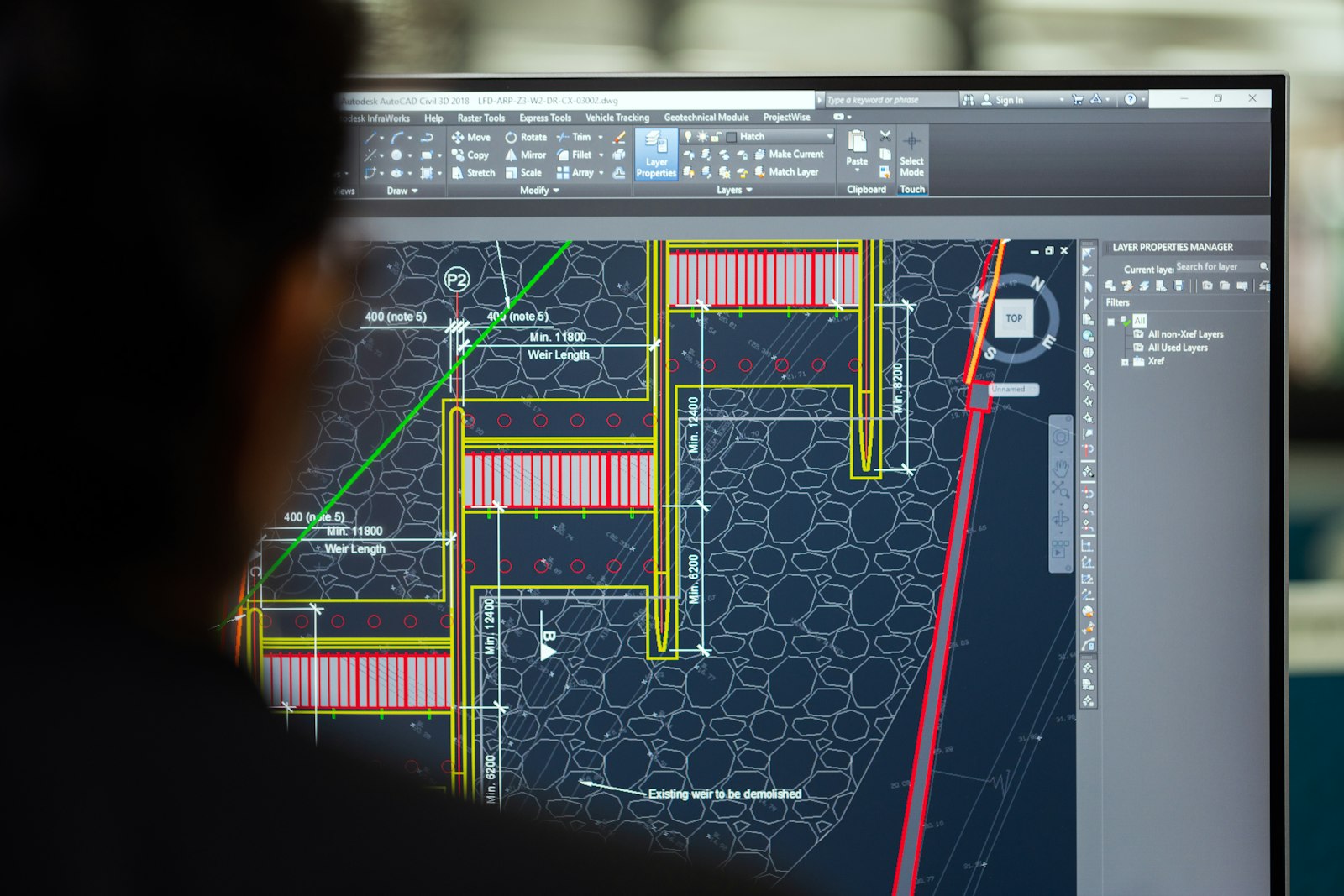
For pure 2D drafting, AutoCAD is still ahead. The command line workflow, the snap and tracking system, the dimension styles, the layer management, the polyline editing tools, the hatch engine, and the 40 years of muscle memory shared across millions of drafters represent a real productivity advantage. FreeCAD’s Draft workbench has improved significantly, but it still requires more clicks and more attention for routine 2D operations than AutoCAD does. If your daily output is plans, sections, elevations, and details, and you measure success in drawings produced per day, AutoCAD wins this comparison.
That said, FreeCAD’s 2D output is fully usable for many practitioners, particularly when paired with LibreCAD for the heavier 2D editing tasks. The combination of FreeCAD for 3D modeling and LibreCAD for 2D production drawings is a viable open source workflow that works well for many small offices.
3D Parametric Modeling: FreeCAD’s Strength

For 3D parametric modeling FreeCAD now competes directly with paid tools. The Part Design workbench, post 1.0, supports the full feature based modeling workflow that mechanical engineers expect: sketches, extrudes, revolves, sweeps, lofts, fillets, chamfers, holes, patterns, and shells, all with parameters that can be edited upstream without breaking the downstream history. AutoCAD’s 3D capabilities, while present, are not in the same league. AutoCAD’s solids and surfaces tools are more comparable to a basic Rhino setup than to a true parametric modeler.
If you need to design a mechanical part, a piece of furniture, an enclosure, or a 3D printed object, FreeCAD is the better tool, full stop. If you need to design a building in 3D with parametric updates, FreeCAD’s Arch workbench is more limited than Revit but more capable than AutoCAD’s basic 3D tools, and the gap continues to close.
Architecture and BIM
Architecture is where the comparison gets interesting. AutoCAD’s BIM offering is essentially through Revit, a separate paid product. AutoCAD itself does not do BIM in any meaningful sense. FreeCAD, through the Arch workbench and the BIMAround community plugins, provides genuine IFC based BIM authoring. It is not Revit, but it is real BIM, with walls, slabs, windows, doors, structural elements, and proper IFC export. For a small architectural practice that needs BIM but cannot justify Revit licensing, FreeCAD is now a credible option in 2026.
File Format Compatibility

AutoCAD’s native DWG format is the de facto standard for 2D drawings. FreeCAD reads and writes DXF reasonably well and can read DWG through the optional ODA File Converter integration, but DWG round trip is not perfectly reliable. For 3D, FreeCAD speaks STEP, IGES, OBJ, STL, BREP, and IFC fluently. AutoCAD’s 3D formats are more limited and tilt heavily toward proprietary Autodesk exchange.
The practical implication is that mixed shops using both tools should standardize on DXF for 2D exchange and STEP for 3D exchange. Avoid DWG round trip between the tools whenever possible. Avoid Autodesk proprietary 3D formats entirely if FreeCAD is part of the workflow.
Plugins, Customization, and Scripting
AutoCAD’s customization story is mature and well documented. AutoLISP, Visual LISP, .NET, ObjectARX, and a growing JavaScript bridge provide multiple layers of extension. The third party plugin ecosystem is extensive and largely commercial. FreeCAD’s customization story is different but equally powerful. Every part of FreeCAD is scriptable through Python, the workbench architecture lets you build entire custom toolsets, and the source code itself is open if you need to reach deeper. The third party plugin ecosystem is community driven and entirely free.
For practitioners who write their own tools, FreeCAD’s Python first architecture is genuinely delightful. For practitioners who buy commercial extensions, AutoCAD’s marketplace remains larger.
Cost: The Honest Comparison
AutoCAD costs roughly 1900 USD per year per seat in 2026 for a standard subscription. FreeCAD costs zero. This is a real difference and not a small one for a five person practice. Over a decade the savings on a five seat office reach close to 100000 USD. That money could pay for a junior drafter, a workstation refresh, a major training investment, or a software development consultant to extend FreeCAD with custom workbenches tailored to your office. The cost question is not just about the license. It is about what you could do with the money you save.
Stability and Reliability

AutoCAD is more stable in heavy production use. FreeCAD has improved dramatically post 1.0, but it can still crash on very large assemblies or unusual geometry. For mission critical production work where any crash is a serious problem, AutoCAD’s commercial polish remains a real advantage. For typical small practice work, FreeCAD is stable enough to depend on, especially with regular file saves and disciplined version control.
Learning Curve and Community Support
Both tools have steep learning curves but in different directions. AutoCAD has a vast commercial training ecosystem with paid courses, certification programs, and corporate trainers. FreeCAD has free community tutorials, an active forum where the developers themselves answer questions, and a growing collection of high quality YouTube channels. Neither tool is faster to learn than the other once you are committed. The difference is in how you prefer to learn and how much you can spend on formal training.
Choosing the Right Tool for Your Work
The honest summary in 2026 is that neither tool is universally better. AutoCAD wins for high volume 2D drafting, large multidisciplinary AECO coordination, and any environment where the rest of the team is already on Autodesk infrastructure. FreeCAD wins for parametric 3D modeling, small practices on tight budgets, mechanical and product design, hobbyist and educational use, and any environment where the freedom to customize and own your tools matters. The right choice depends on your work, your team, and your strategic priorities, not on which tool is objectively better.
Many practices will find the right answer is both. Use FreeCAD for 3D modeling and parametric work, use AutoCAD or LibreCAD for 2D production output, and standardize on open file formats for the bridge between them. This pragmatic hybrid is increasingly common, and it captures most of the benefits of each tool without forcing a binary choice that does not fit real practice.